
Computer aided design (CAD)
CAD drawings for survey and overhead line projects, produced in AutoCAD and issued with a clear revision history.
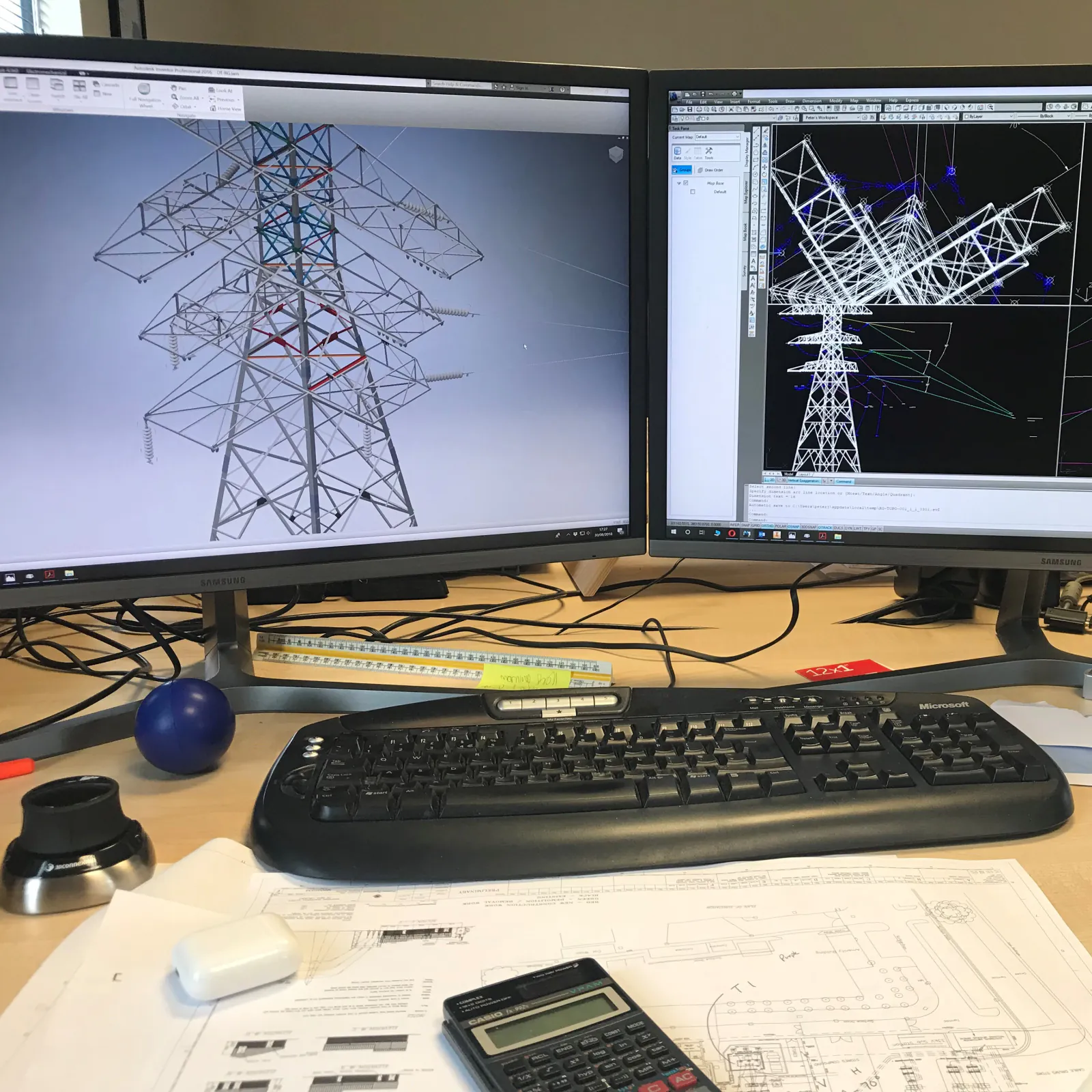
The Process:
What is Computer Aided Design (CAD)?
Computer Aided Design (CAD) is a digital technology focused on the creation and manipulation of 3D models with the help of software and hardware tools. CAD provides designers, engineers, and architects with the flexibility to experiment with different designs, test their functionality, and evaluate their suitability for specific applications. CAD software combines mathematical algorithms, geometric modeling techniques, and visualization tools to create and modify complex models quickly and efficiently. CAD is widely used in various industries, including product design, manufacturing, engineering, architecture, and construction. The advantages of CAD include improved accuracy, better communication and collaboration among teams, faster time to market, and more efficient resource allocation. With CAD, designers can produce high-quality designs that meet the needs of customers and withstand the test of time.
CAD, also known as Computer Aided Design, is a revolutionary process that has modernized the way products or structures are designed and manufactured. CAD is a systematic process that involves several essential steps such as gathering information, sketching the design, creating a digital model, making modifications, and producing a finished design with an exceptional degree of accuracy and precision. Firstly, the designer collects all the required details, specifications, and materials to create the design. Secondly, he/she sketches out the basics of the design either manually or digitally. Thirdly, the designer creates a digital 3D model using advanced CAD software that enables designing the model in a more interactive and user-friendly way. Fourthly, the designer can make modifications or changes to the digital model as per the requirement, enabling them to see how the final design will appear in real-time. Lastly, once the design is finalized, the designer can export or manufacture the design, such as a 3D-printed prototype or a set of engineering drawings, depending on the end-goal.
The Benefits:
Draw once, edit forever
CAD (Computer-Aided Design) offers a wide range of benefits for individuals and organizations involved in design, engineering, and manufacturing. One of the most significant benefits of using CAD is increased productivity as it allows designers to create, modify, and analyze designs quickly and accurately. CAD helps to reduce design errors and the subsequent costs of redesign or scrapping of products. CAD also provides versatility and flexibility to designers, making it easy for them to create complex designs and produce detailed 3D models, animations and simulations. The software allows designers to collaborate and share their designs with others, making it easier for them to receive feedback and make any necessary changes. With CAD, designers can create designs that are optimized for manufacturing processes, resulting in accurate and reliable production with shorter lead times. Additionally, CAD provides a competitive advantage, allowing organizations to stay ahead of the competition by reducing costs, improving product quality, and increasing time to market.
The Limitations:
Although CAD offers many benefits, there are also drawbacks to consider. One major drawback is the cost of the software and hardware required to use it. Purchasing and maintaining the necessary equipment can quickly become expensive. Another challenge is the steep learning curve for new users, which can make it difficult for companies to integrate it into their workflow. Additionally, CAD software sometimes produces files that are incompatible with other software, making it difficult to collaborate with external partners. Finally, relying too heavily on CAD can lead to designers neglecting the physical properties of their designs, resulting in products that may be difficult to manufacture, assemble or maintain.
Deliverables
Drawing packages
Layouts, sections, and details produced to your layer and naming conventions where provided.
Revisions
Controlled updates with traceability through comments and version notes.
Handover support
Clarifications during construction and as-built capture planning where required.